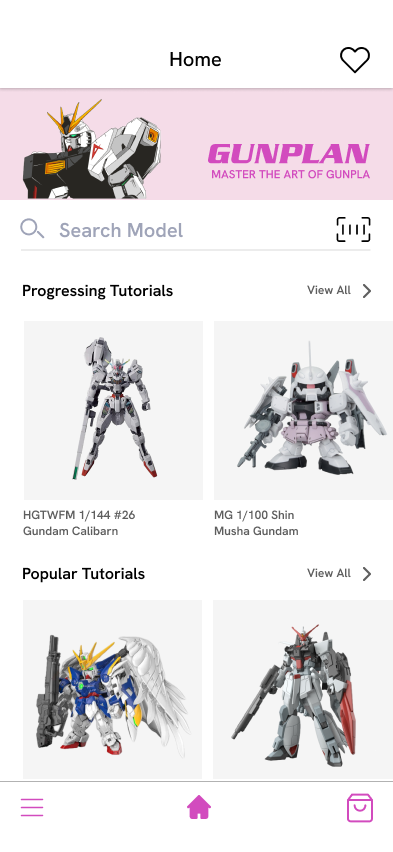
Search for a model or use the AR Button to scan the bar code
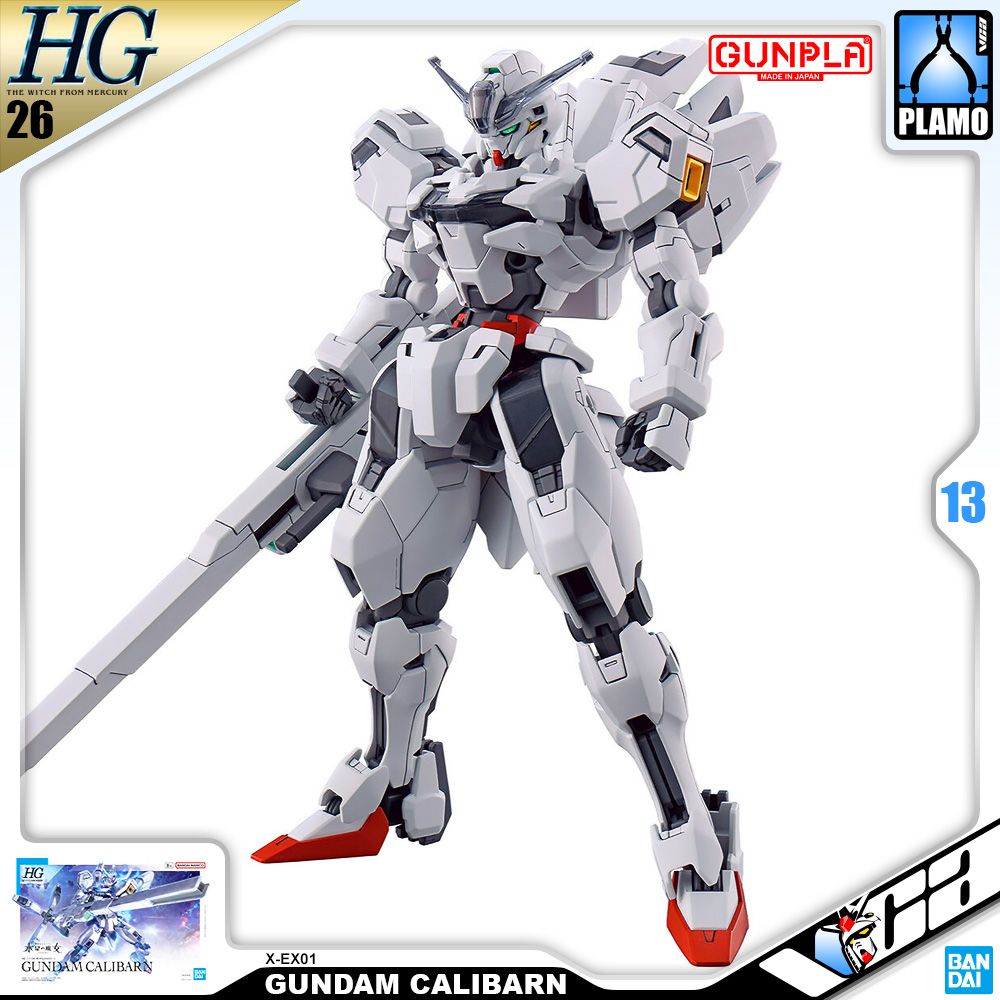
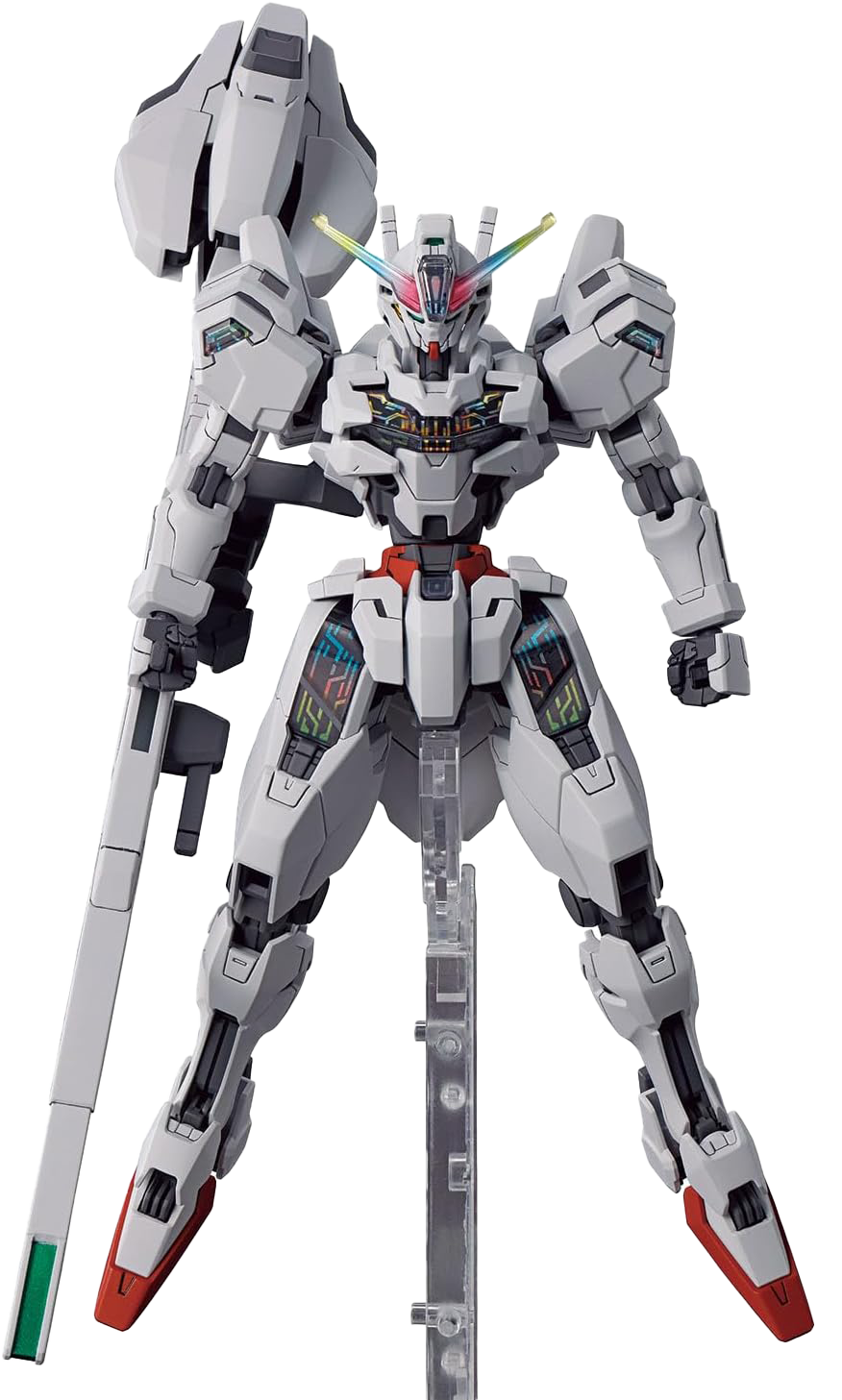
Gundam Calibarn
Master Grade • 1/100 Scale
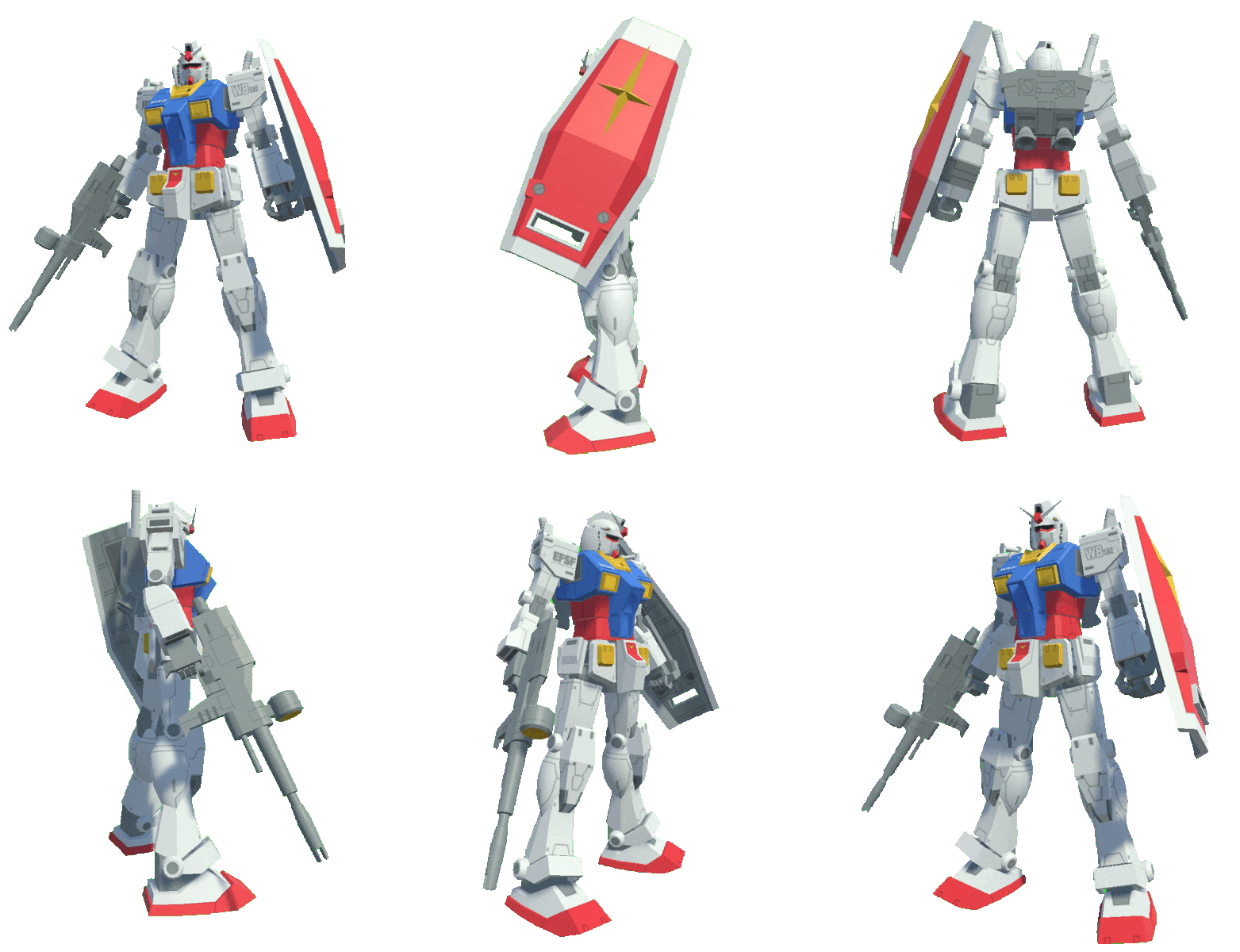
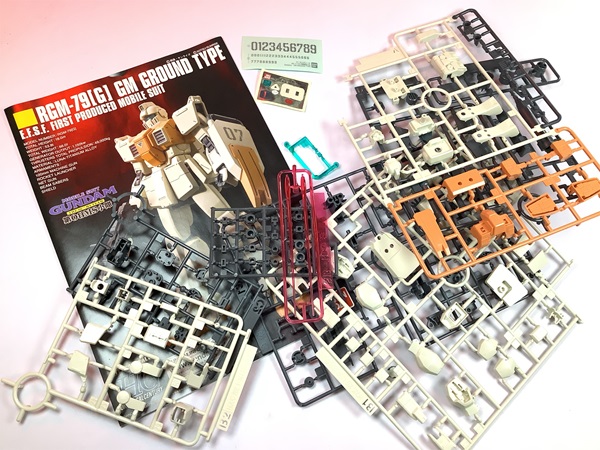
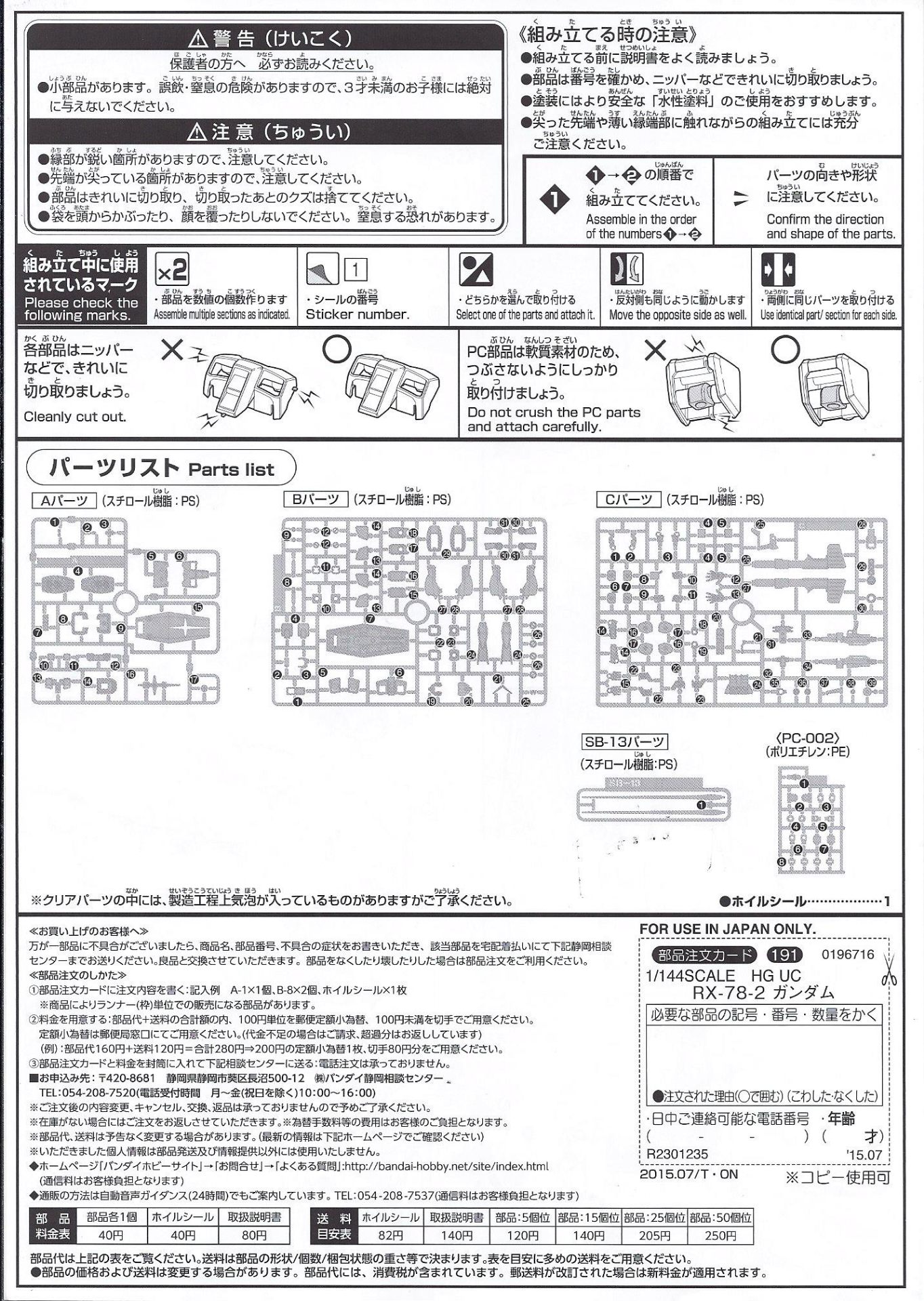
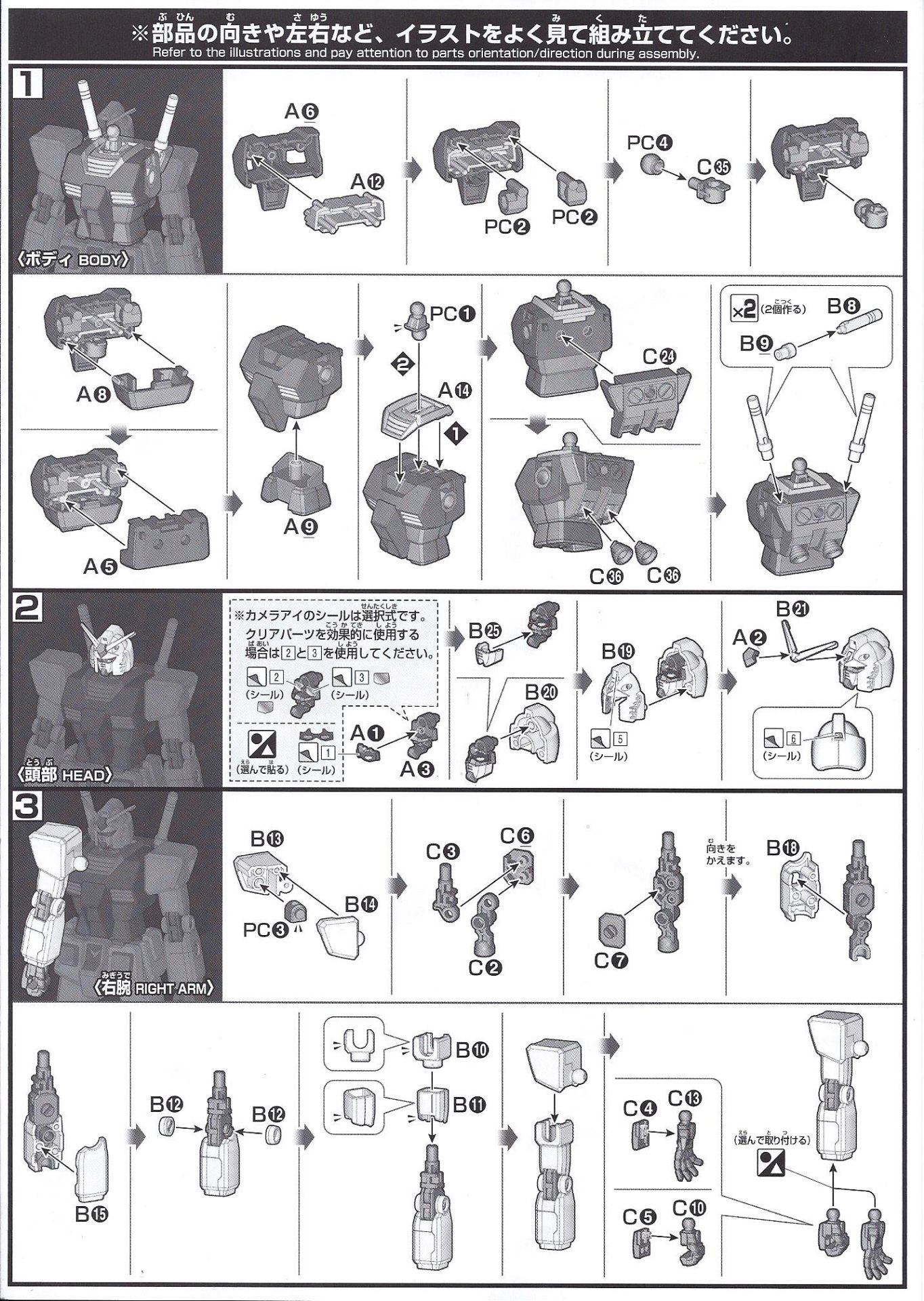
A Gundam build kit is a snap-together plastic model based on the Mobile Suit Gundam series, designed for all skill levels and offering customizable, poseable mechs without the need for glue or paint.


No glue required. Customizable and posable.
Short for Gundam Plastic Model. Based on the mecha (robot) designs from the Mobile Suit Gundam series.
From beginner-friendly to expert level kits.
Pose your model in dynamic action scenes.
Gundam = legendary Japanese sci-fi anime with giant robot "mobile suits" piloted by humans in epic space battles.
"Gunpla" = Gundam + Plastic model. Snap-together construction, no glue required. Painting and customizing optional.
An AR-powered companion that transforms the Gundam model kit building experience for every skill level.
Gunpla Build Beyond combines augmented reality, step-by-step tutorials, progress tracking, and a builder community into a single tool — replacing the fragmented mess of printed manuals, YouTube playlists, and forum threads that builders currently navigate alone.
Gunpla building can be frustrating for both beginners and experienced builders — new users feel lost; veterans struggle to organize. The frustration cuts across skill levels.
Requires dedication, precision, and 4–12+ hours of building. A single mistake is often discouraging and limits return engagement.
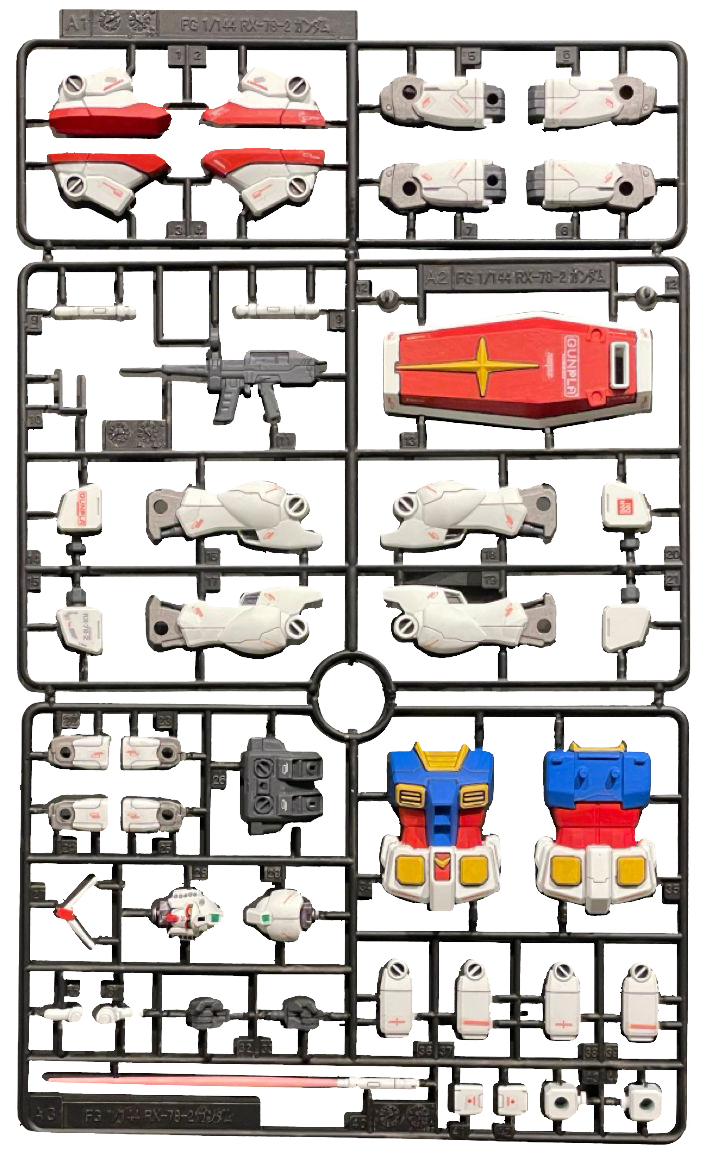
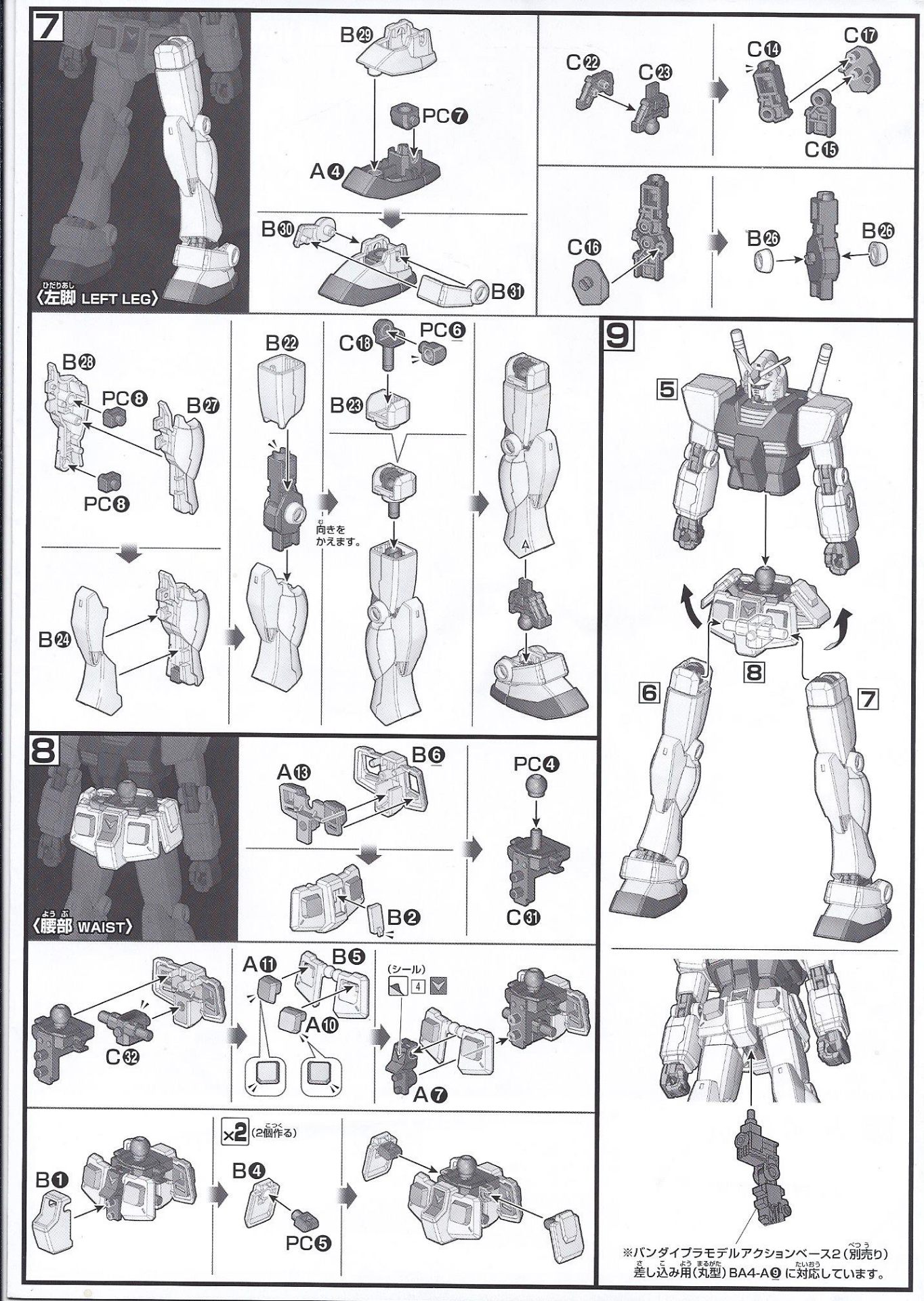
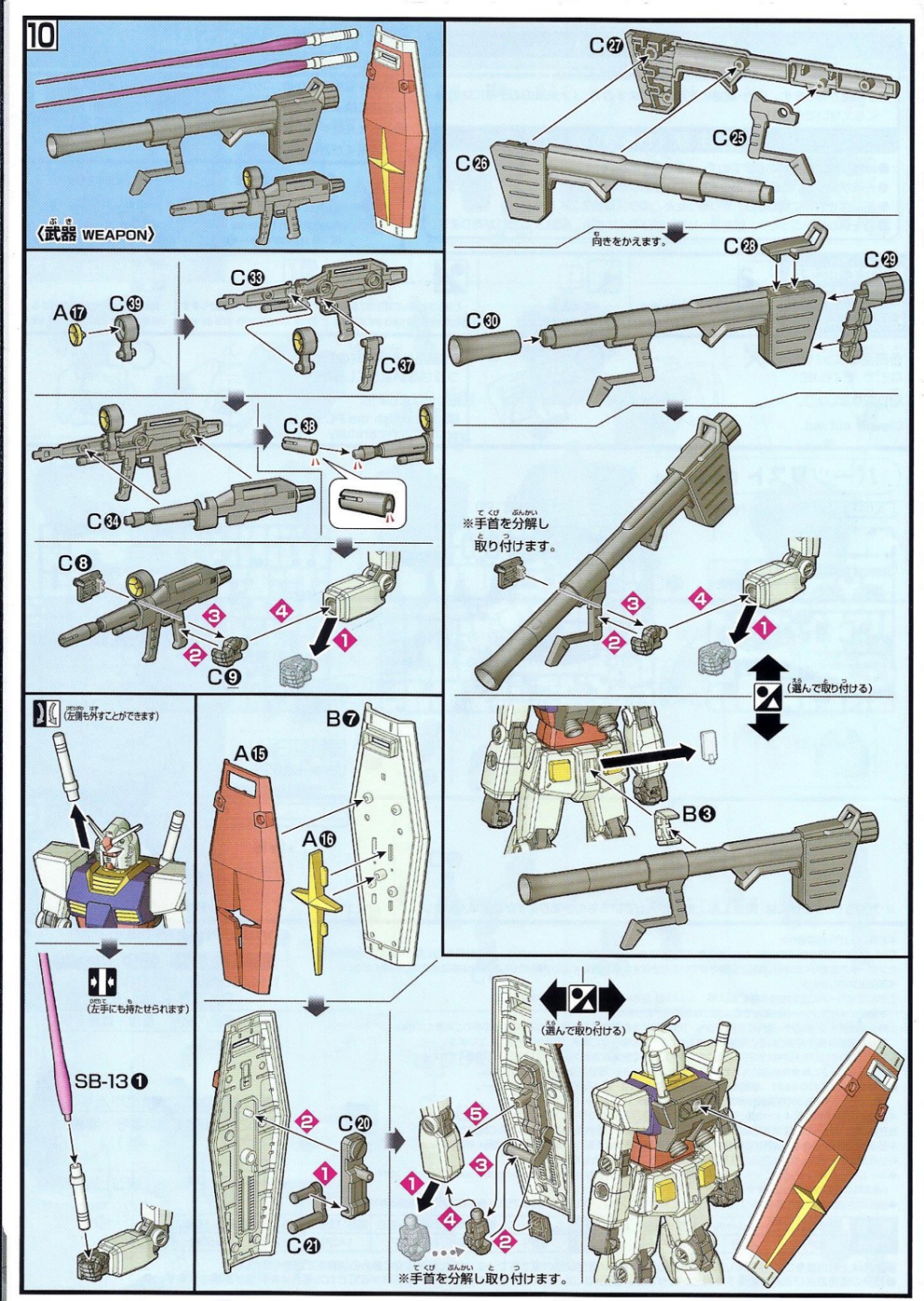
Manuals are 40+ pages with cryptic icons, unclear visuals, and rarely mention the specialty tools the build actually requires.
Tutorials, tips, and replacement-part sources are scattered across YouTube, Reddit, and Discord — there's no center.
Premium kits cost up to $300, creating pressure to build perfectly the first time. Mistakes feel expensive.
Small print and dense visuals make manuals difficult for users with low vision, dyslexia, or motor impairments.
Manuals ship primarily in English and Japanese, alienating large portions of Bandai's international user base.
Search for a model or use the AR Button to scan the bar code
Master Grade • 1/100 Scale
An AR-powered companion that turns the manual, the tutorials, and the community into a single coherent tool — exactly where builders already work.
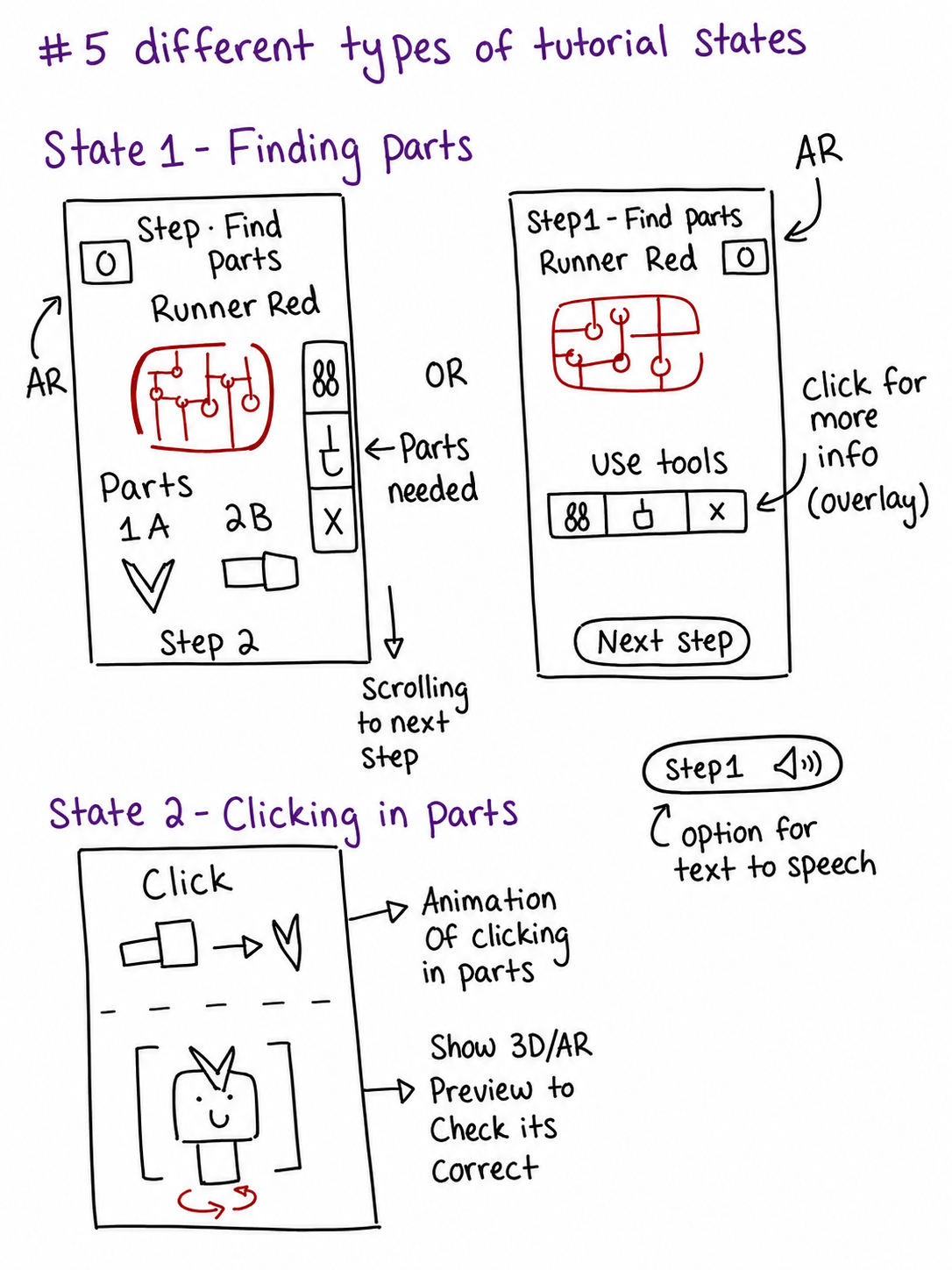
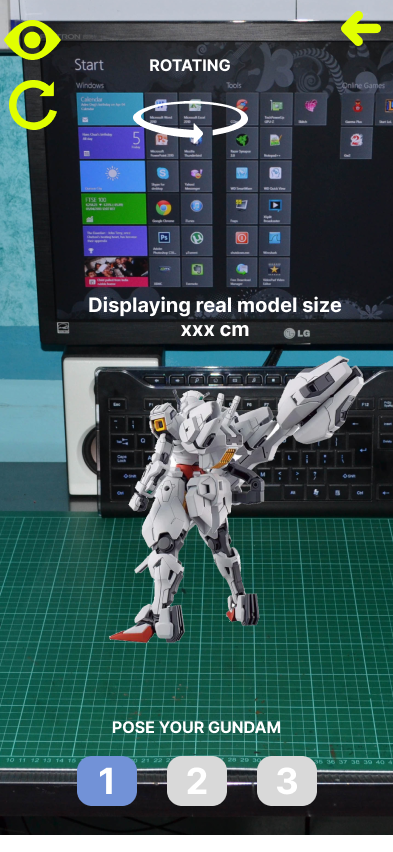
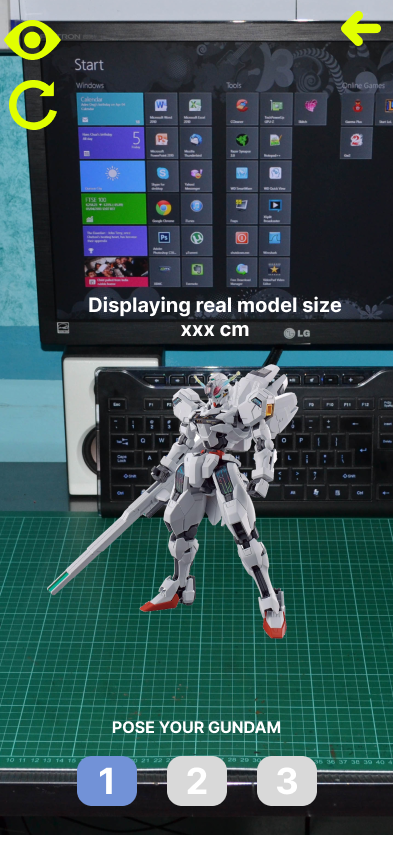
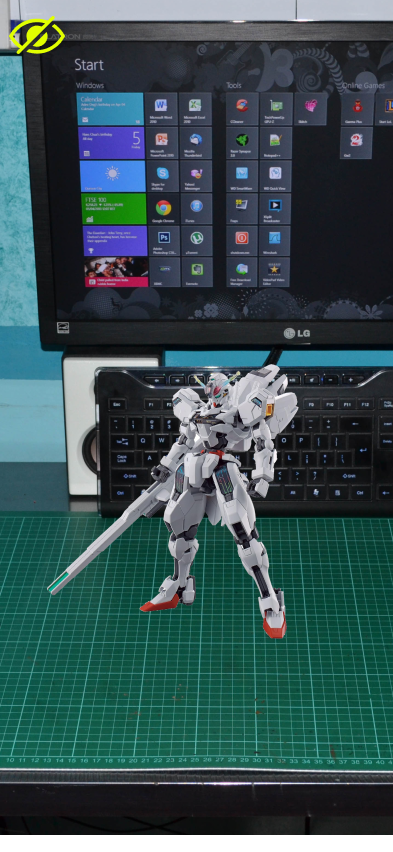
Point your camera at the workspace and see step-by-step 3D guidance overlaid on the actual parts. Eliminates the #1 friction point identified in research — part identification.
Long builds split into recoverable chunks with built-in checklists and rest prompts. Borrows from how experienced builders already pace their work.
A persistent record of every build — completed, in-progress, and aspirational — with optional pages for user-created customization tutorials.
Integrated forums, FAQ, replacement-part ordering, and a shared gallery — replacing the fragmented mess of YouTube, Reddit, and Discord.
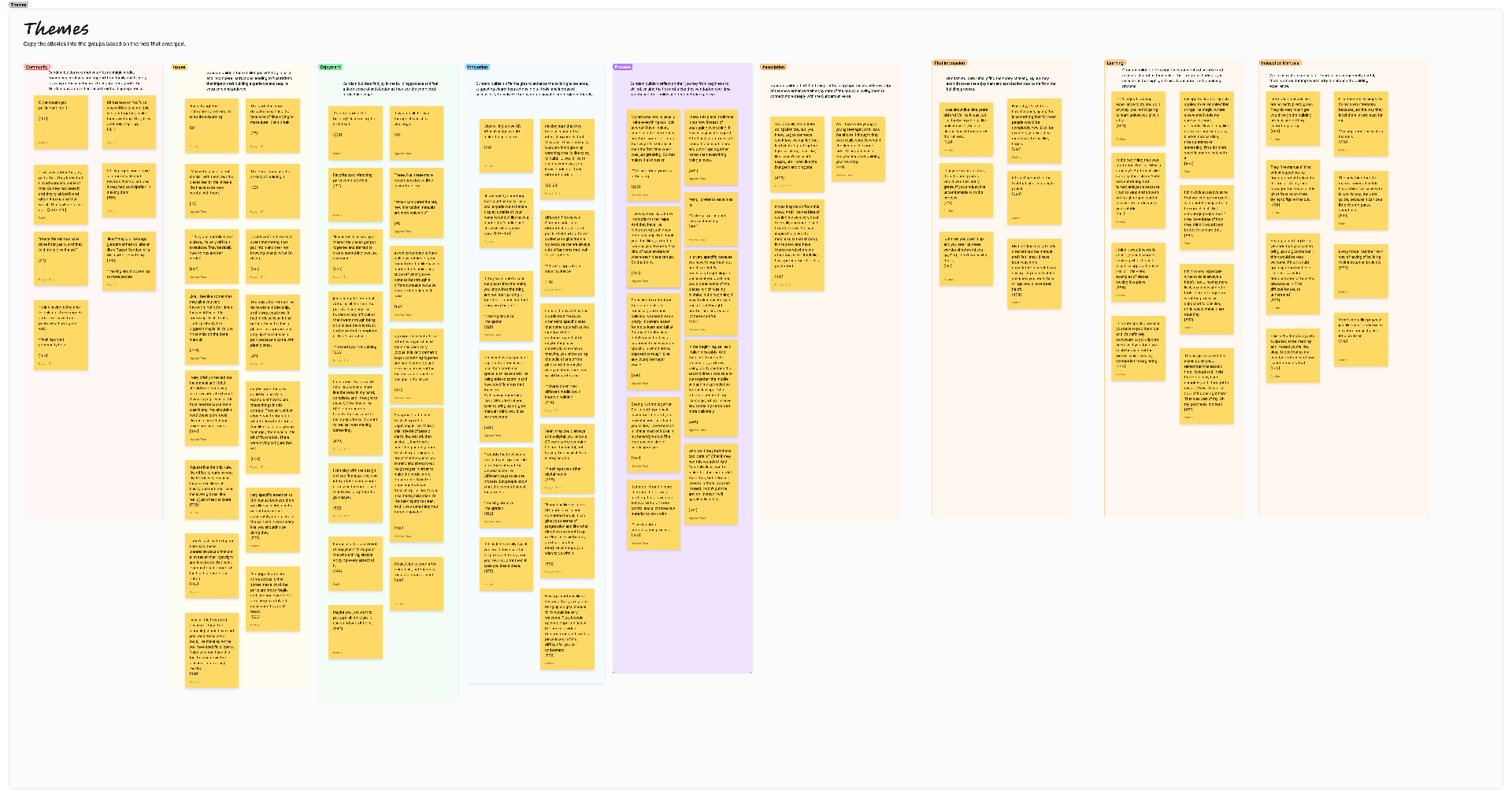
Through interviews, personas, empathy maps, and affinity diagrams, we surfaced the friction points and motivations driving real builder behavior — and translated them into design direction.
Visual learners struggle with text-heavy instruction manuals.
Part identification is the #1 source of builder frustration.
Community connection motivates builders to complete projects.
Beginners need confidence-building wins early in the process.
Based on our research findings and "How Might We" explorations, we established the following design requirements to guide our solution development.
Reddit plugin to use as a help forum, post builds, ask questions, and provide feedback — fostering a sense of community among builders.
Must meet accessibility standards for individuals with disabilities, including text-to-speech, high-contrast modes, and multi-language selection.
Support in-app purchases for 3D printing files, replacement parts, official Bandai paint, and ordering models directly.
Allow users to create their own tutorials and submit feedback, opening the door to a creator-driven knowledge base.
Using the Designing for Growth framework to explore problem spaces and identify solution pathways.
"Beginners can't build the models they want because of difficulty."
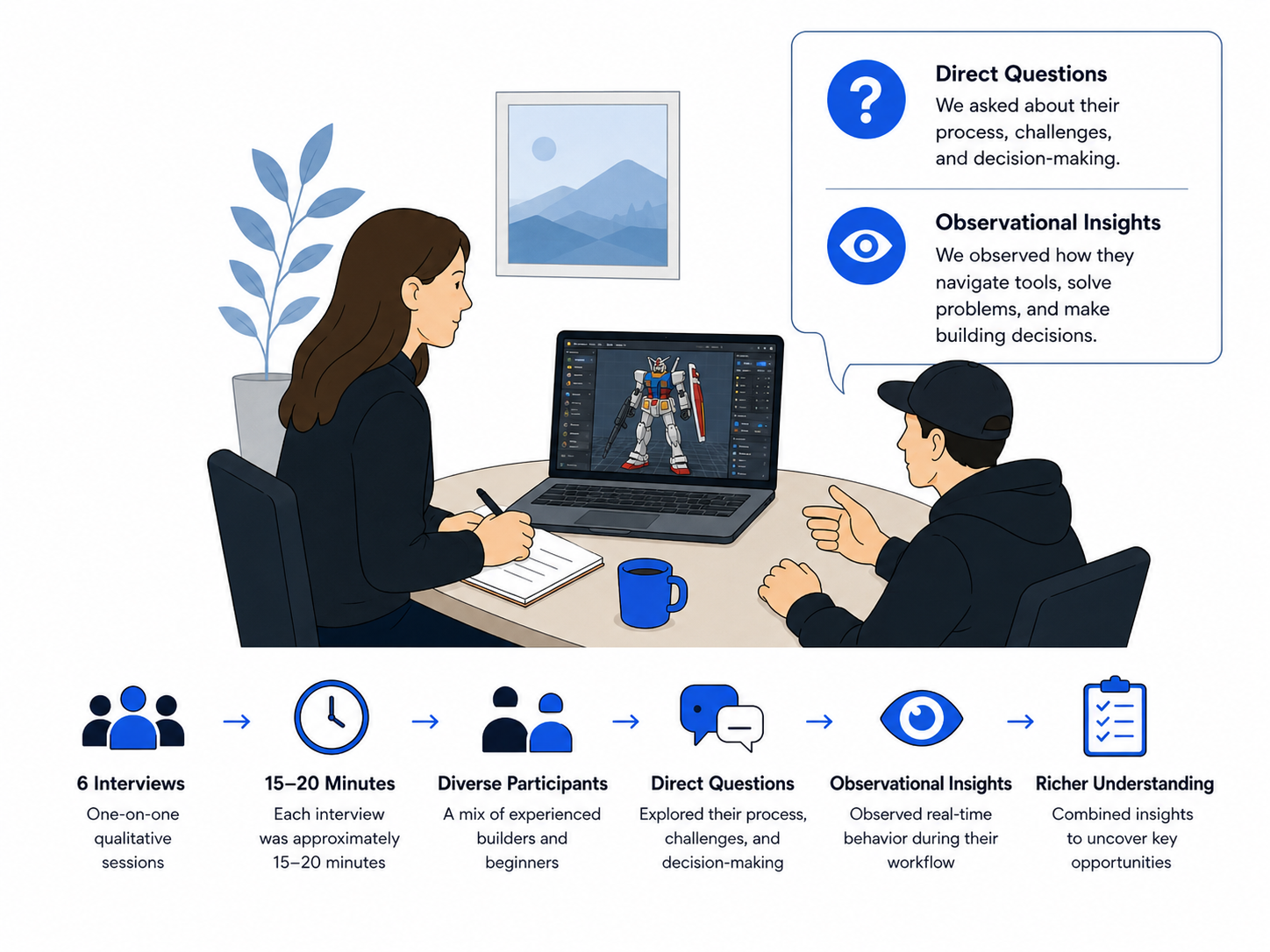
— Starting problem statementSix qualitative interviews, 15–20 minutes each, with a mix of experienced builders and beginners. Combined direct questions with observational insights as participants walked through their typical building workflow.

Builders want to personalize their kits but feel hesitant — afraid of damage, unsure where to start. Customization makes them feel part of the show itself.
Brittle pieces and replacement-part friction drive experienced builders to quit; complex instructions stop newcomers from starting in the first place.
Builders are drawn to the design of the mech itself — completion satisfaction outweighs the frustration of getting there.
Manuals often feel confusing or overwhelming, especially for complex Master Grade and Perfect Grade kits.
Availability of replacement parts is a constant concern, especially after accidental breakage.
A supportive community is considered essential for sharing builds, seeking advice, and learning from others.
Builders find genuine joy in the process — it deepens their appreciation for the Gundam universe itself.
"I wish I could just point my phone at the parts and know exactly which one I need. Flipping through pages is so tedious."
— Marcus, 28 · Intermediate Builder"I'm always afraid I'm going to snap a piece. The instructions don't tell you how much force to use or warn you about fragile parts."
— Sarah, 22 · Beginner Builder"The best part is sharing progress photos with the community. Seeing others' builds motivates me to keep going."
— Kevin, 34 · Experienced Builder
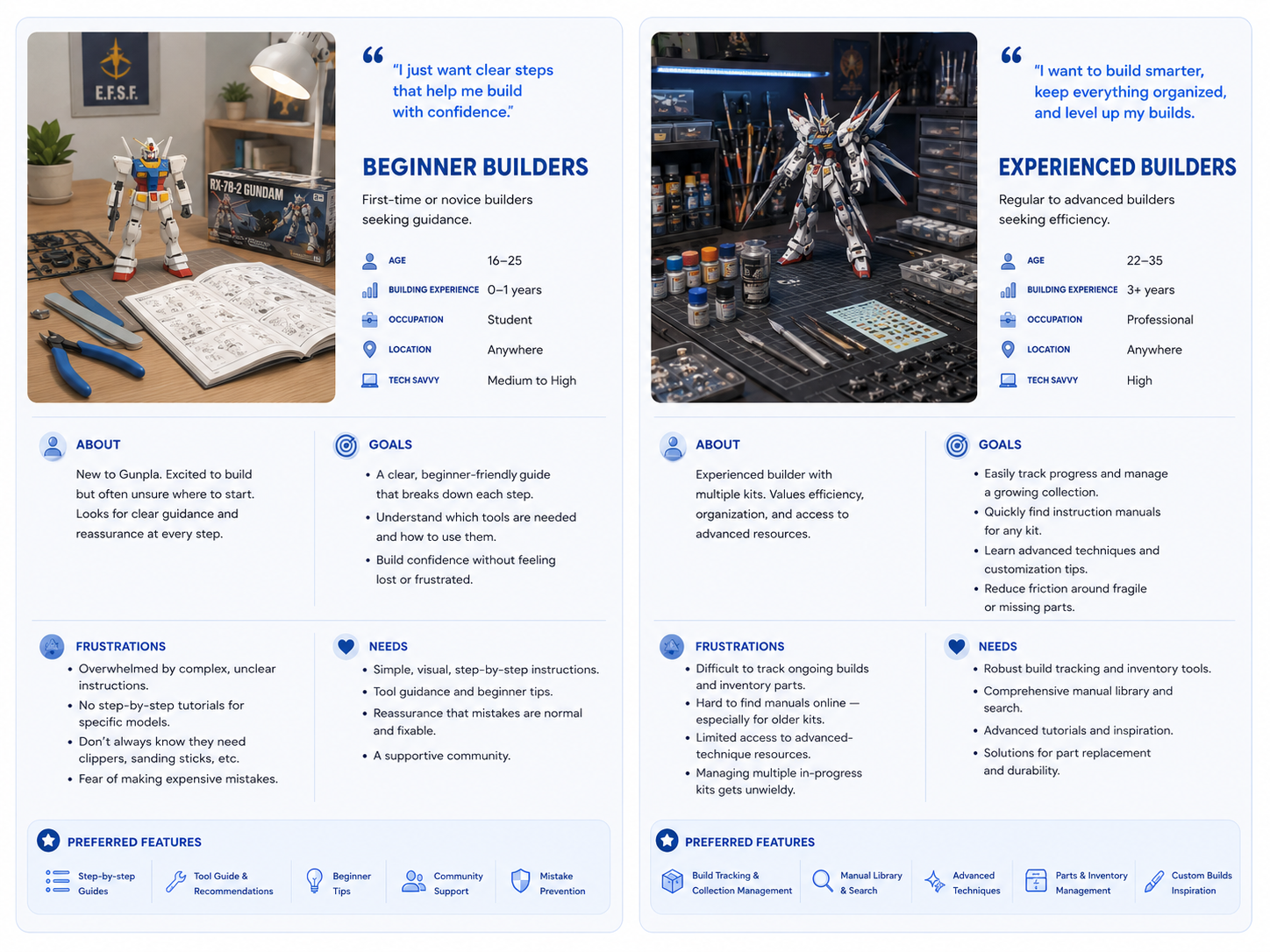
First-time or novice builders seeking guidance.
Regular to advanced builders seeking efficiency.
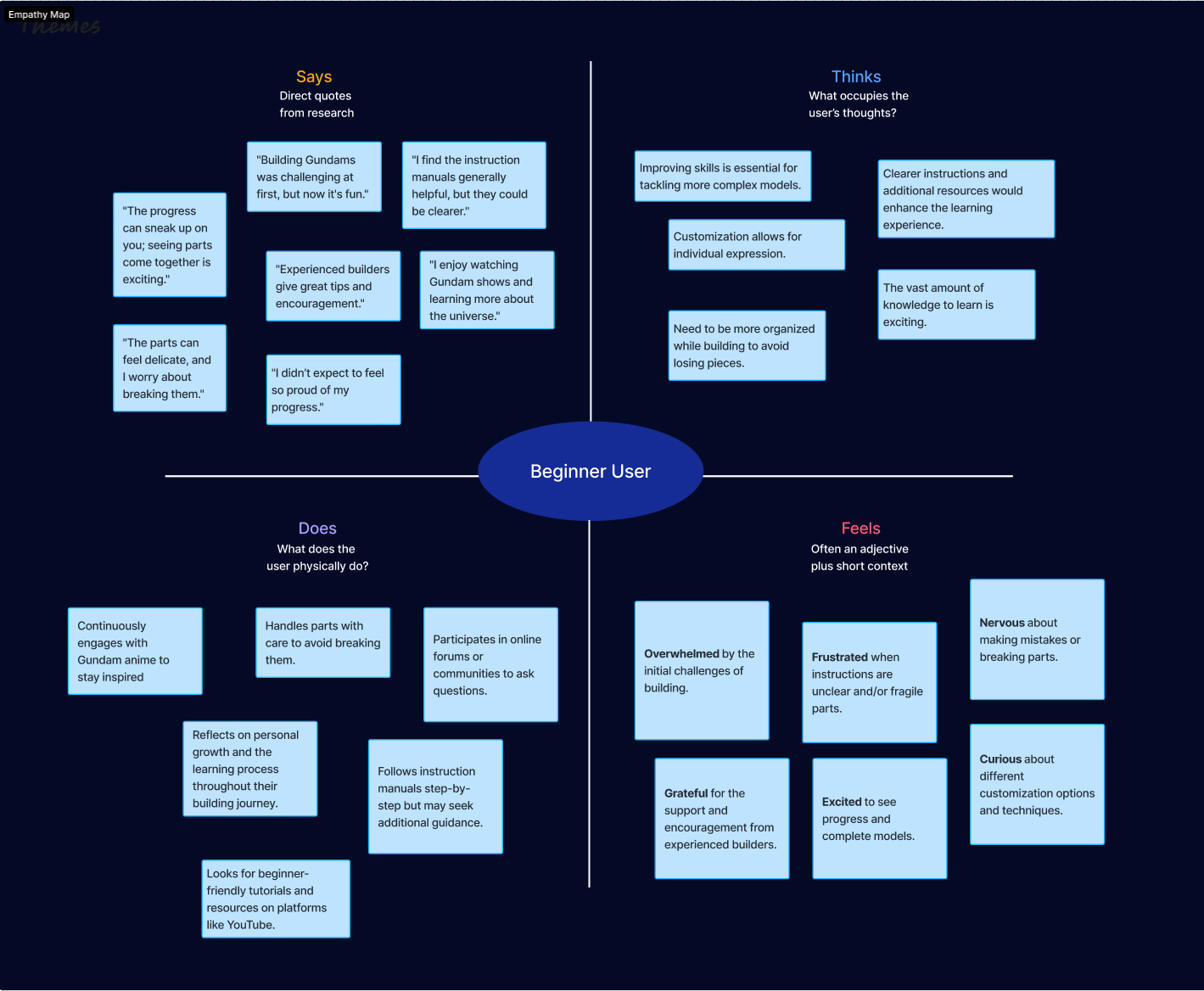
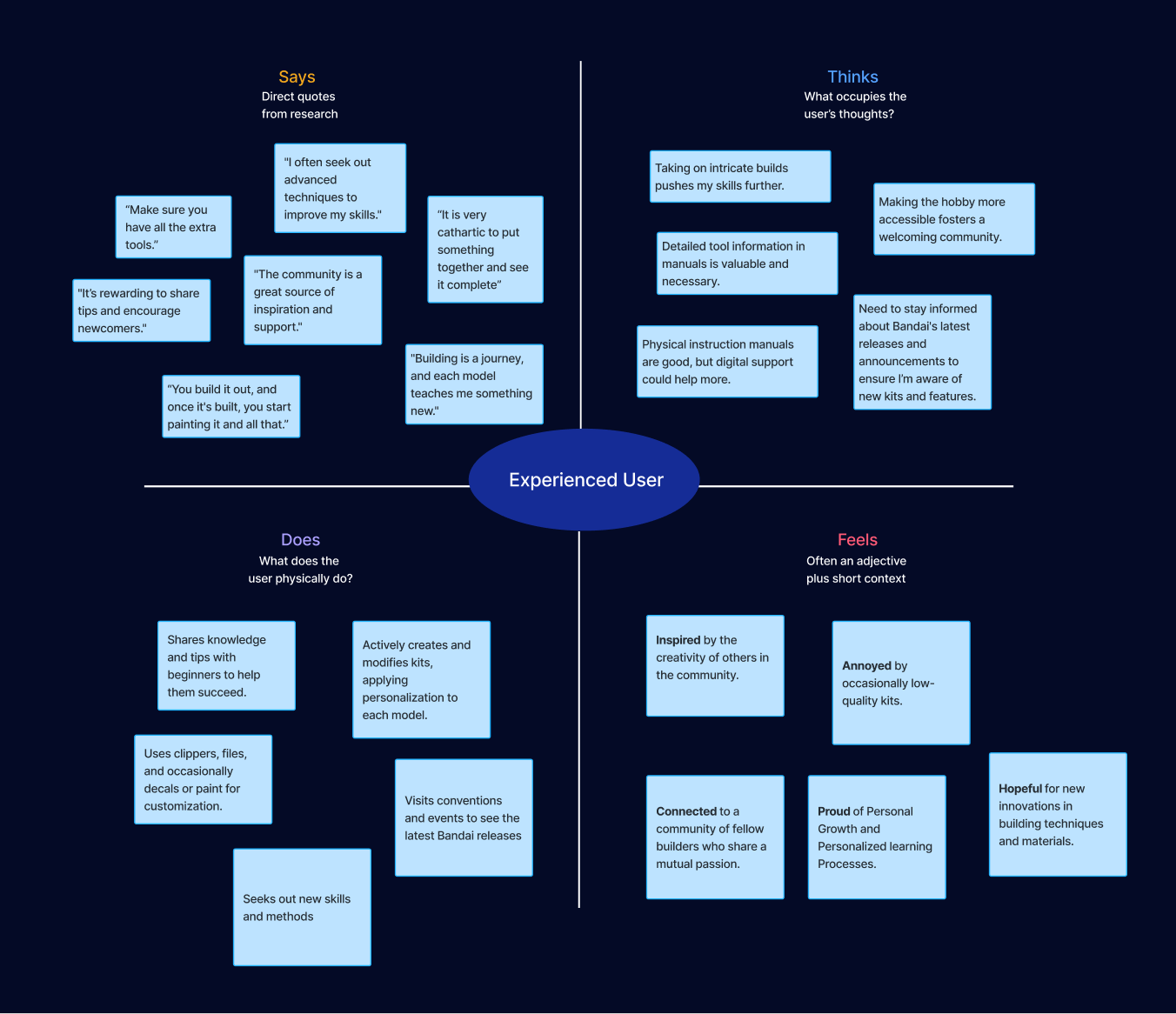
The maps moved us past assumptions about what builders do, and toward what they actually feel — anxiety, pride, frustration, curiosity — at each stage of a build.


Detailed Says/Thinks/Does/Feels breakdowns documented in research archive.
Gunpla building lives at the intersection of creativity, learning, and community — shaped by support networks, evolving skills, and the quality of tools and instructions.

InsightCommunity support reduces frustration and accelerates learning.
InsightPoor clarity and quality directly hurt confidence and enjoyment.
InsightEnjoyment compounds as builders gain control and confidence.
InsightInnovation keeps experienced users engaged long-term.
InsightProgress tracking reinforces motivation and confidence.
InsightLowering the learning curve directly grows the community.
InsightOnboarding experience is critical for retention.
InsightGunpla is as much a skill-building system as a hobby.
InsightInstructions should scale with user experience.
Improving clarity, accessibility, and instructional support — especially for beginners — while enabling deeper customization and innovation for advanced users will strengthen engagement across every experience level.
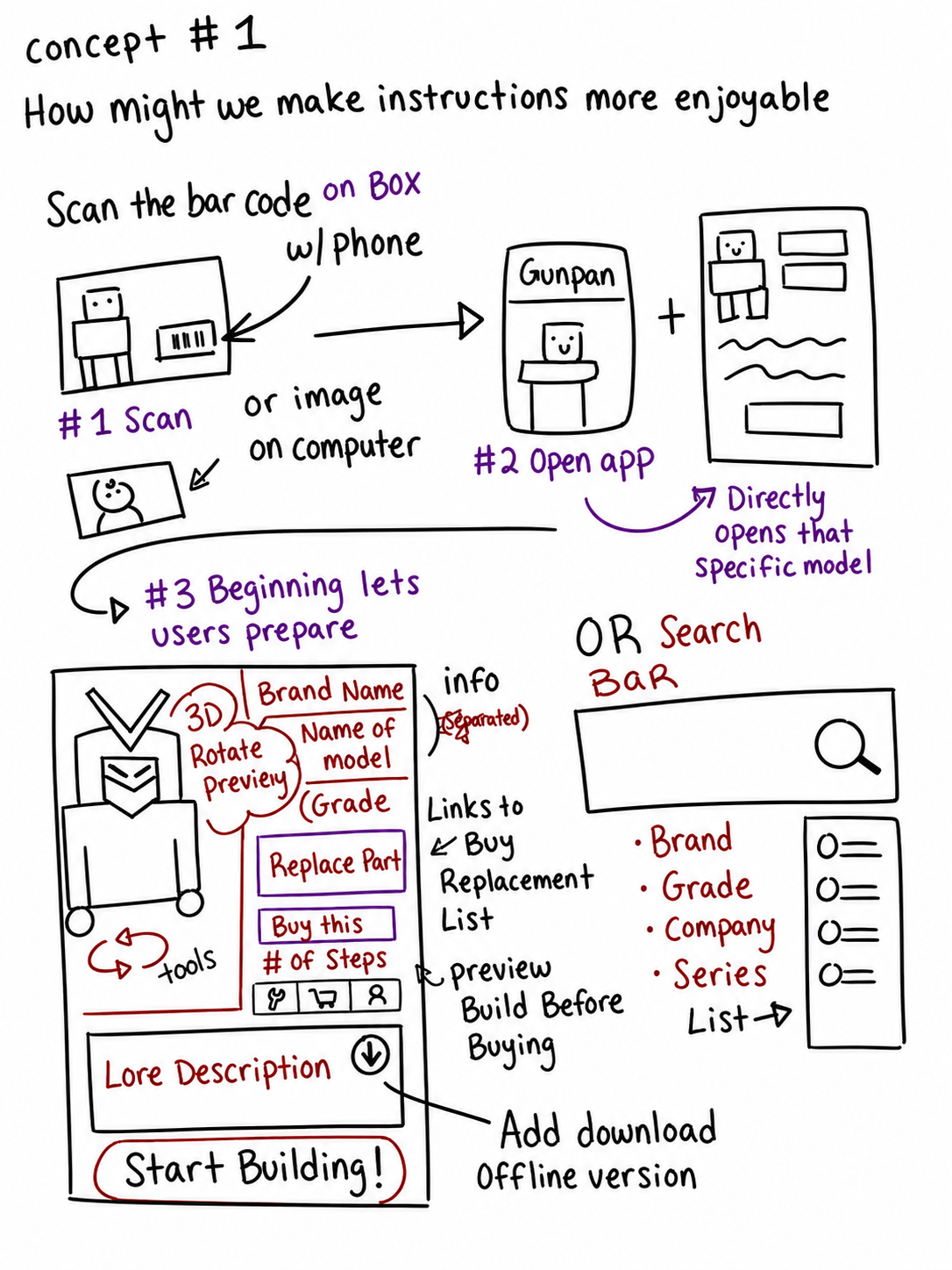
Using "How Might We" questions derived from research findings, we explored five design concepts — each one mapped to a specific friction point surfaced in user interviews and synthesis.
Text-heavy manuals that overwhelm builders
Part identification frustration slowing down progress
Community connection gaps between builders
Beginners need confidence throughout their build journey


How might we make instructions more enjoyable?
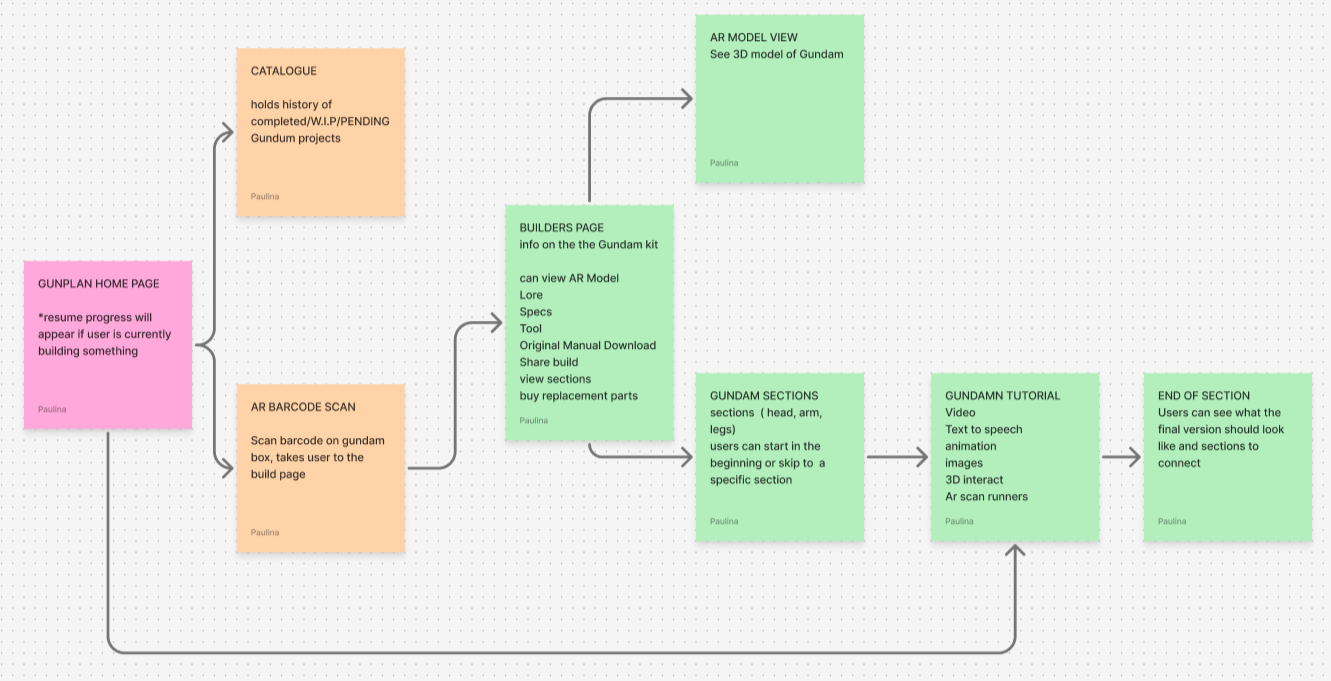
Based on how users naturally navigate building tasks (observed during contextual inquiry), we mapped intuitive journeys that align with their mental models and reduce cognitive load.

Each design iteration was validated with users and refined based on feedback — ensuring solutions truly addressed the problems identified in research.
Tested information architecture and basic layouts with users to validate that our structure matched their expectations from research findings.


Refined based on usability testing feedback, incorporating visual hierarchy patterns that users found most intuitive during research sessions.


Final designs incorporating all research-driven improvements, ready for testing with target users to validate our solutions.
Search for a model or use the AR Button to scan the bar code
Master Grade • 1/100 Scale
Scan the barcode on your Gunpla box
Position the barcode within the frame
Press the scan button below to begin
Locate the barcode on your Gunpla box (usually on the back or side)
Center the barcode in the frame and press the scan button
Decide if you want to start building or just save it to your collection
4573102615457
4549660040774
4573102615464
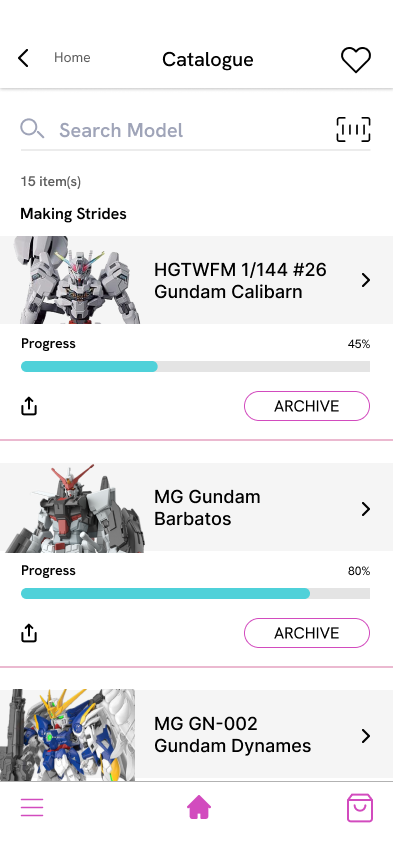
Track your Gunpla journey

HG 1/144 #03
Gundam Aerial

RG 1/144 #35
RX-93 ν Gundam

MG 1/100 #251
Gundam Barbatos

PG 1/60 #30
Strike Freedom

HG 1/144 #02
Wing Gundam Zero

HG 1/144 #04
Gundam Calibarn
Status
Grade

HGTWFM 1/144 #26 Gundam Calibarn
Mobile Suit Gundam: The Witch from Mercury
The Gundam Calibarn is Suletta Mercury's final mobile suit, featuring an elegant white and blue color scheme with distinctive wing binders. This High Grade kit offers excellent articulation and a sharp, modern design.
This kit went together beautifully with minimal seam lines. The blue parts have excellent color separation. Applied panel lining to enhance details and finished with a light matte coat. The wing binders are the highlight of this build with great poseability.
Gundam Calibarn

standing Pose
Model Size: 18.0 cm
7.1 in
Pose Selection
Gundam Calibarn

standing Pose
Model Size: 18.0 cm
7.1 in
Pose Selection
Gundam Calibarn
Gundam Calibarn

Side Cutter

Tweezer
Click the AR Camera feature for a visual guide to locate building parts.
Click the forum icon if you'd like help from the forum on a specific step.
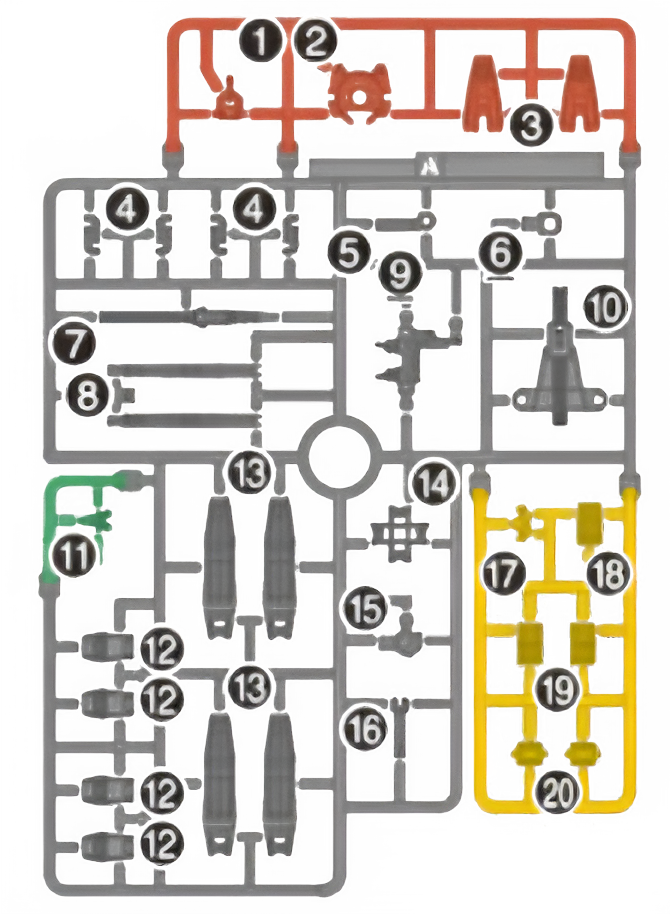
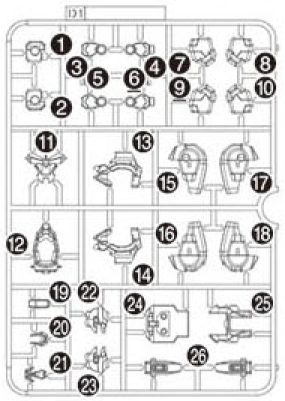
Locate Runner A, part A(20)

Front
A(20)
Gundam Calibarn
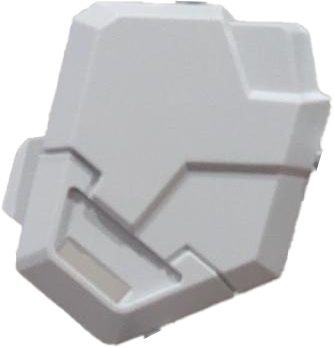
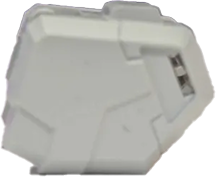
Locate Runner D1, part D1(7) and D1(8)

Front
D1(7)

Front
D1(8)
Gundam Calibarn
Locate Sticker 17, part 17(1)
Tap to choose a sticker
Place sticker on D1(7) and D1(8)

Front
D1 (7)

Front
D1 (8)
Gundam Calibarn
Connect A(20) to the back of D1(7)

Front
D1 (8)

Back
D1 (7)

A(20)
Connect D1(7) to the peg of A(20)
Side

D1 (7) + A(20)
Front

D1 (7)
Tap image to rotate
Looking back, the project taught me as much about how to do design work as it did about Gunpla builders themselves.
Research isn't a deliverable — it's a compass. The strongest design decisions in this project all traced back to a specific moment in a user interview.
Each of the five HMW concepts mapped to a specific friction point surfaced in interviews — not to a feature I wanted to build. When I caught myself sketching something cool, the affinity diagram was a sanity check: did real builders ask for this? If not, it didn't ship.
The HMW exploration phase ran longer than it needed to. With hindsight, I would have shown rough sketches to two or three interview participants after the affinity diagram — before committing to wireframes. Cheap, fast validation that I left on the table.
Builders loved the idea of AR part identification in interviews. Designing the actual interaction was harder — lighting, hand occlusion, device limitations all collided with the simplicity users expected. The lesson: glamorous tech rarely survives first contact with a real workflow.
The hi-fidelity prototype is ready for usability testing with a fresh group of builders — beginners especially, since that's where the design has the most to prove. After that, a narrow beta focused on the AR-guided instructions concept (the single most-requested feature) would tell me whether the bet was right.
Thanks for reading. If you'd like to talk about the work, the research methodology, or anything Gundam-related, I'd love to hear from you.